We've all been there. You leave with a full charge, and by lunchtime, your battery is already turning yellow. Often, the fix is simpler than you think.
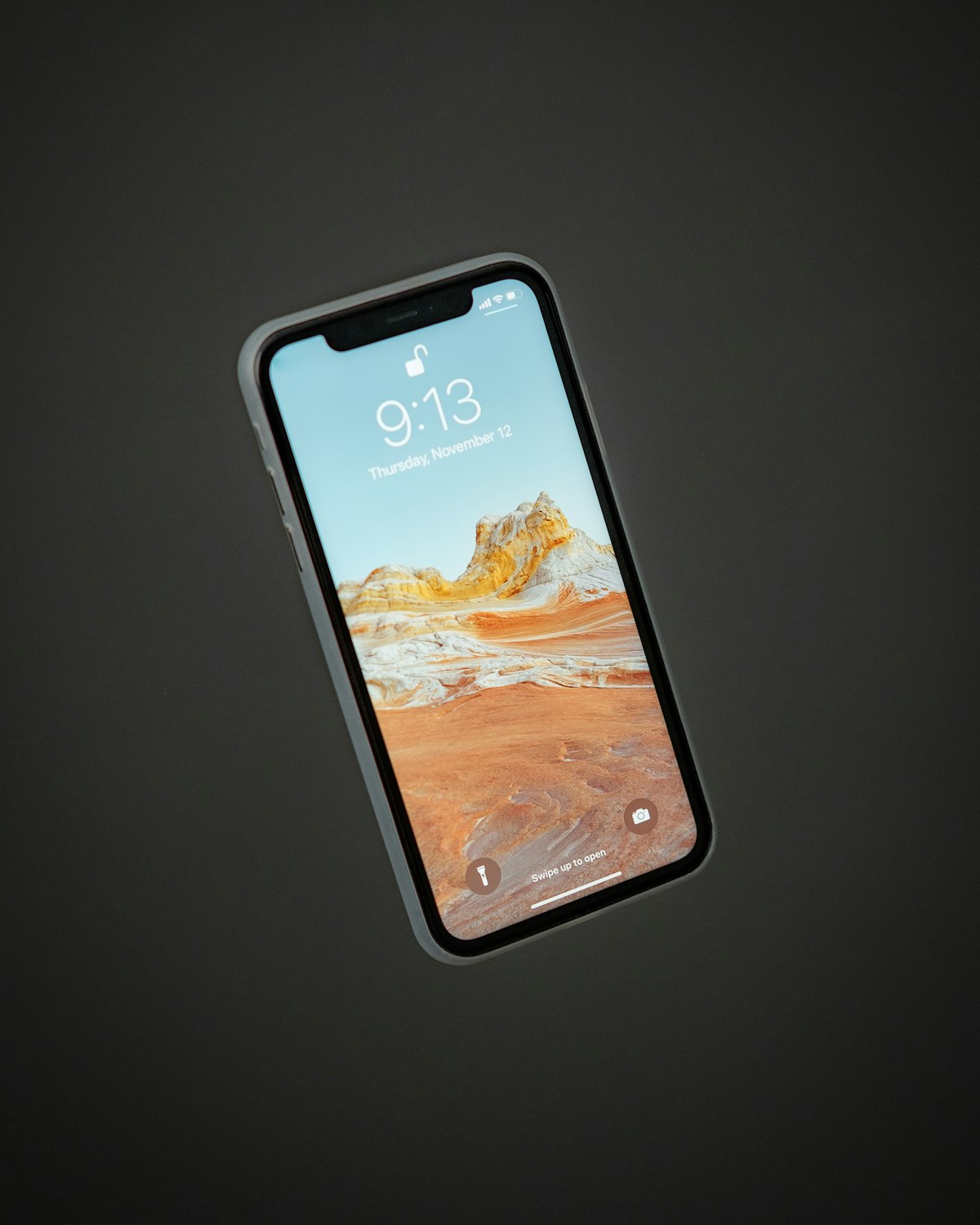
Whether your device is brand new or a few years old, battery performance is affected by a combination of software settings, hardware health, and usage habits. Before you rush to buy a new phone, let's explore the primary reasons your charge might be vanishing.
Check Your Battery Health
The first step is always diagnostics. iOS has a built-in tool that tells you exactly how your hardware is performing. Open the Settings app and tap through:
- Settings, Open the main Settings app on your iPhone.
- Battery, Scroll down and tap the Battery option.
- Battery Health & Charging, Tap to view your battery's Maximum Capacity percentage.
If Maximum Capacity drops below 80%, Apple itself recommends a battery replacement. You'll likely also see a "Service Recommended" notice on this screen.
Manage Background App Refresh
Many apps continue to "work" even when you aren't using them. Background App Refresh allows apps to check for updates and new content in the background. While convenient, it's a major battery hog.
Head to Settings > General > Background App Refresh. You can turn this off entirely, or disable it for specific apps that don't need real-time updates. The usual suspects to disable:
- Social media apps (Instagram, TikTok, Facebook)
- Shopping apps (Amazon, eBay)
- News and weather apps
- Any app you only open occasionally
Screen Brightness & Auto-Lock
Your screen is the largest consumer of power on your device. If your brightness is constantly cranked to 100%, your battery won't stand a chance.
- Enable Auto-Brightness in Accessibility settings
- Set Auto-Lock to 30 seconds or 1 minute (Settings > Display & Brightness)
- Switch on Dark Mode at night, easier on OLED batteries
Update to the Latest iOS
Apple frequently releases iOS updates that include battery optimisation patches. Running outdated software can keep your phone from using power efficiently. Check Settings > General > Software Update to keep your device current.
Consider a Battery Replacement
If you've tried all the above and your battery still drains too fast, the lithium-ion cell inside has likely degraded past its useful life. Most iPhones need a battery replacement after 2-3 years of regular use.
At SidekickMobile we can swap your battery in under 30 minutes with a high-capacity cell. Drop in or check our repair pricing page for your exact iPhone model.